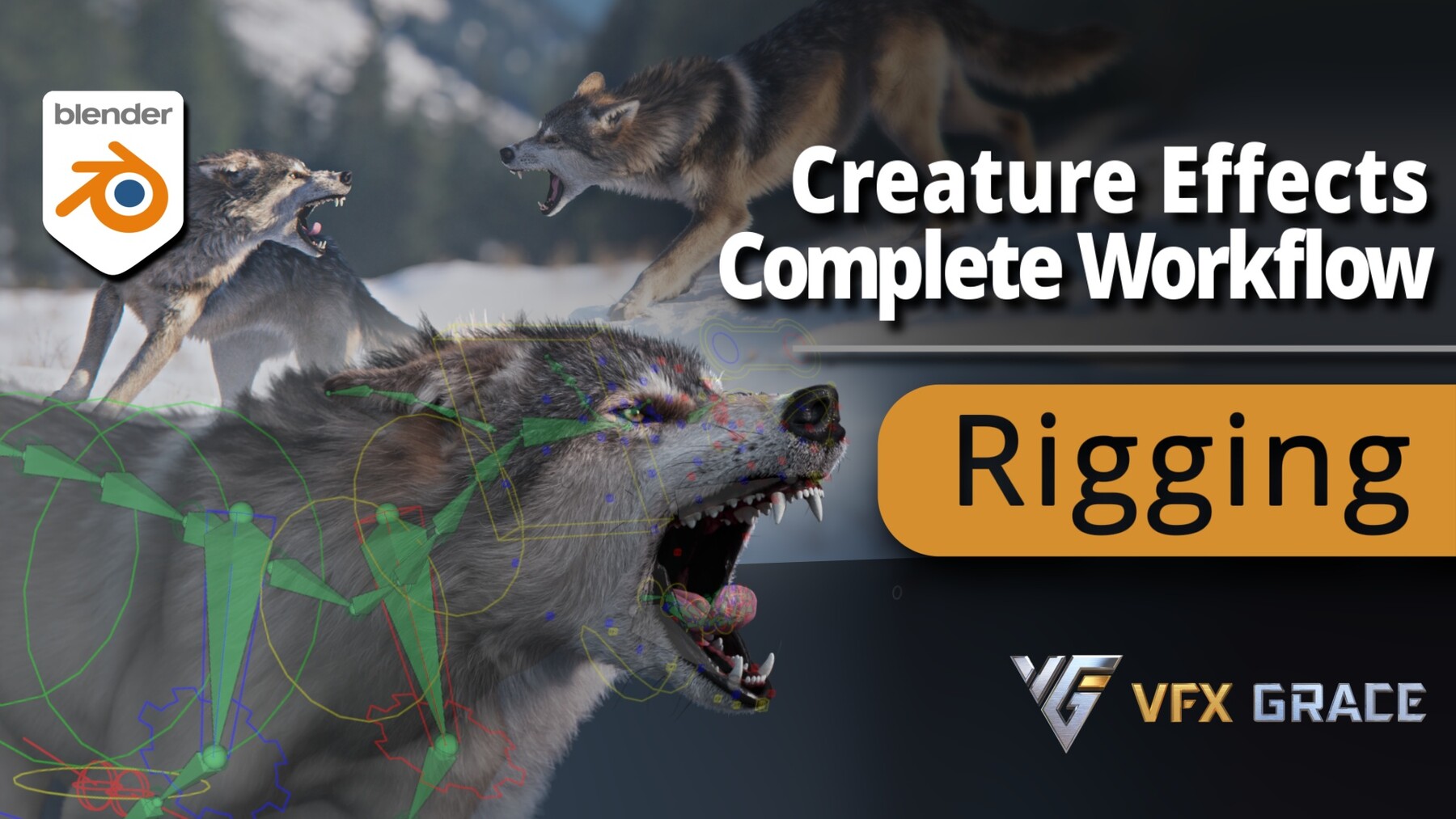
Blender Advanced Rigging Case Study - 3D Character Eurasian Wolf
| Techniques: Rigging | Software: Blender | Duration: 9 hours +
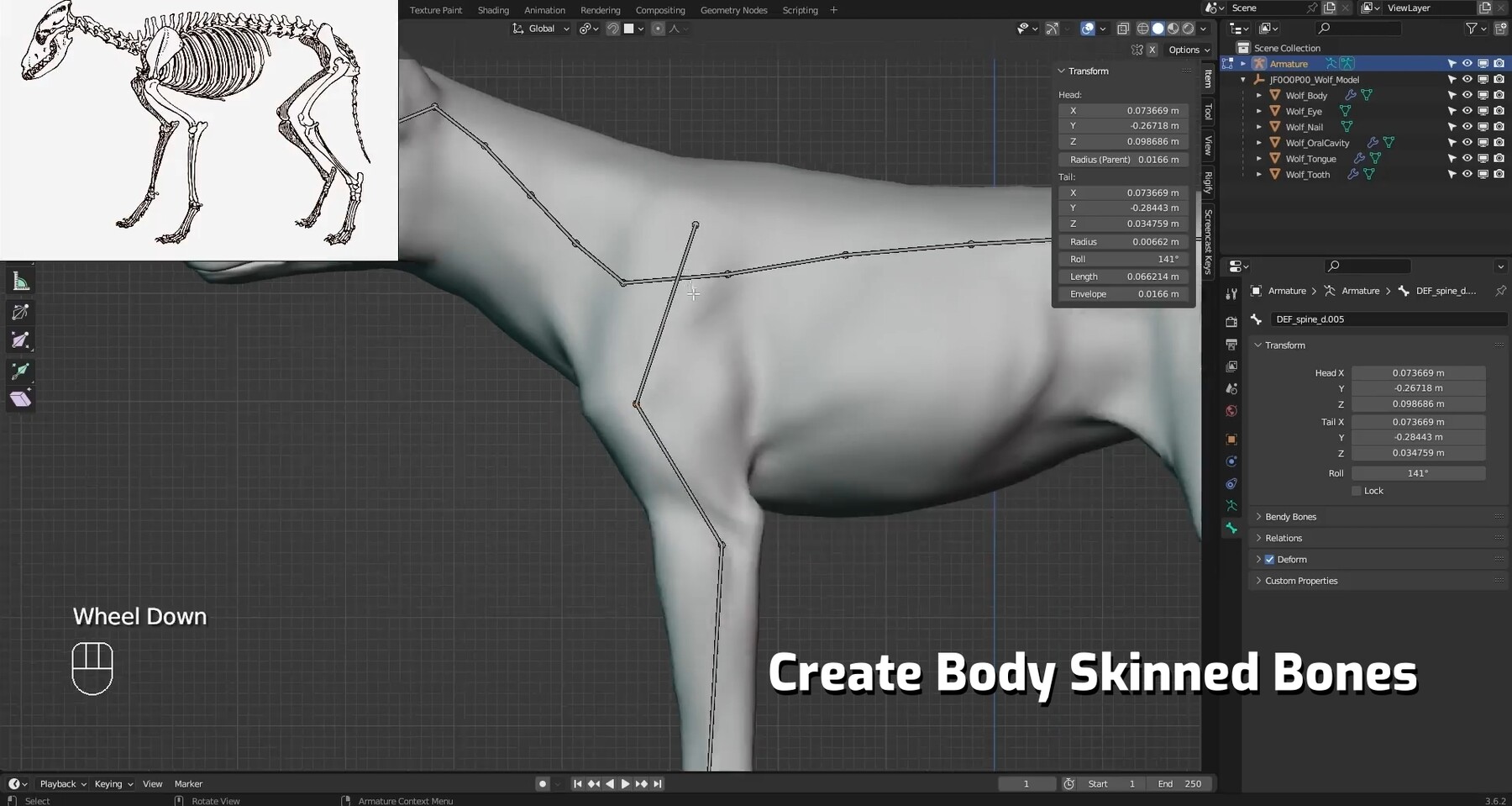
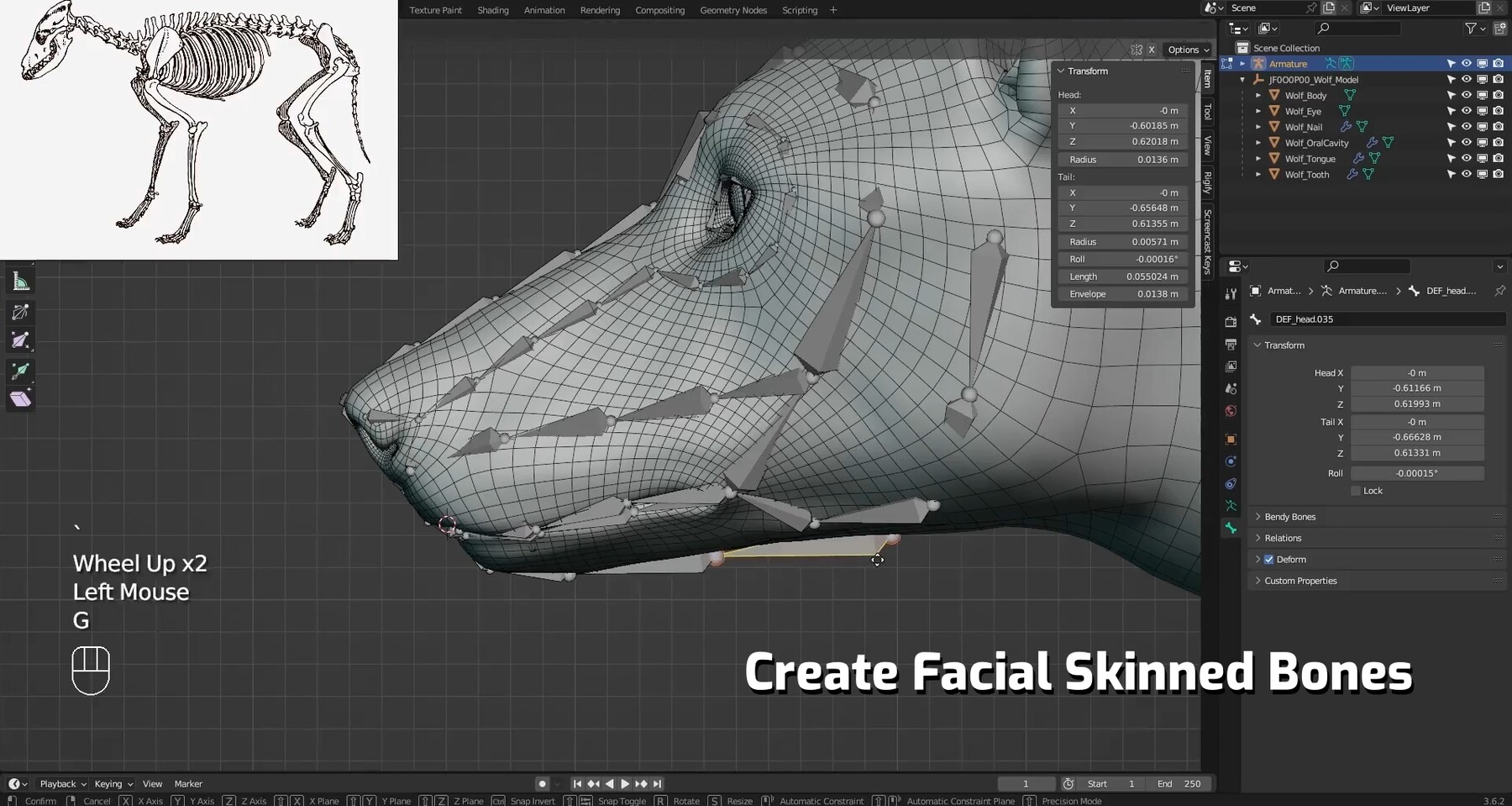
INTRODUCTIONIn this section, we will guide you through the basics of Blender's rigging, familiarizing you with each commonly used function and constraint. During the actual rigging phase, we will learn how to combine skeletal diagrams and real references to create skinned bones for the body and face. We'll cover the use of various constraints to rig each part of the wolf, including the spine, neck, limbs, face, and even more specific parts like the toes, eyes, and tongue. Additionally, we will learn how to switch between IK and FK, ultimately creating fully functional rigging for easier animation production.
—— Warm Tips ——
Target Audience: This course is designed for Blender users with basic operational skills. It is recommended to familiarize yourself with the basic functions of Blender to better keep up with the course progress.
Learning Tools: Blender 3.6 LTS will be used for demonstrations in this course.
This course focuses on Blender's native tools and does not rely on any external addons.
| Tutorial Trailer |Section 1: Fundamentals of Armature SystemThis section encompasses fundamental bone operations, editing techniques, and commonly employed constraints. Mastery of these basics establishes the foundation for complex character rigging.
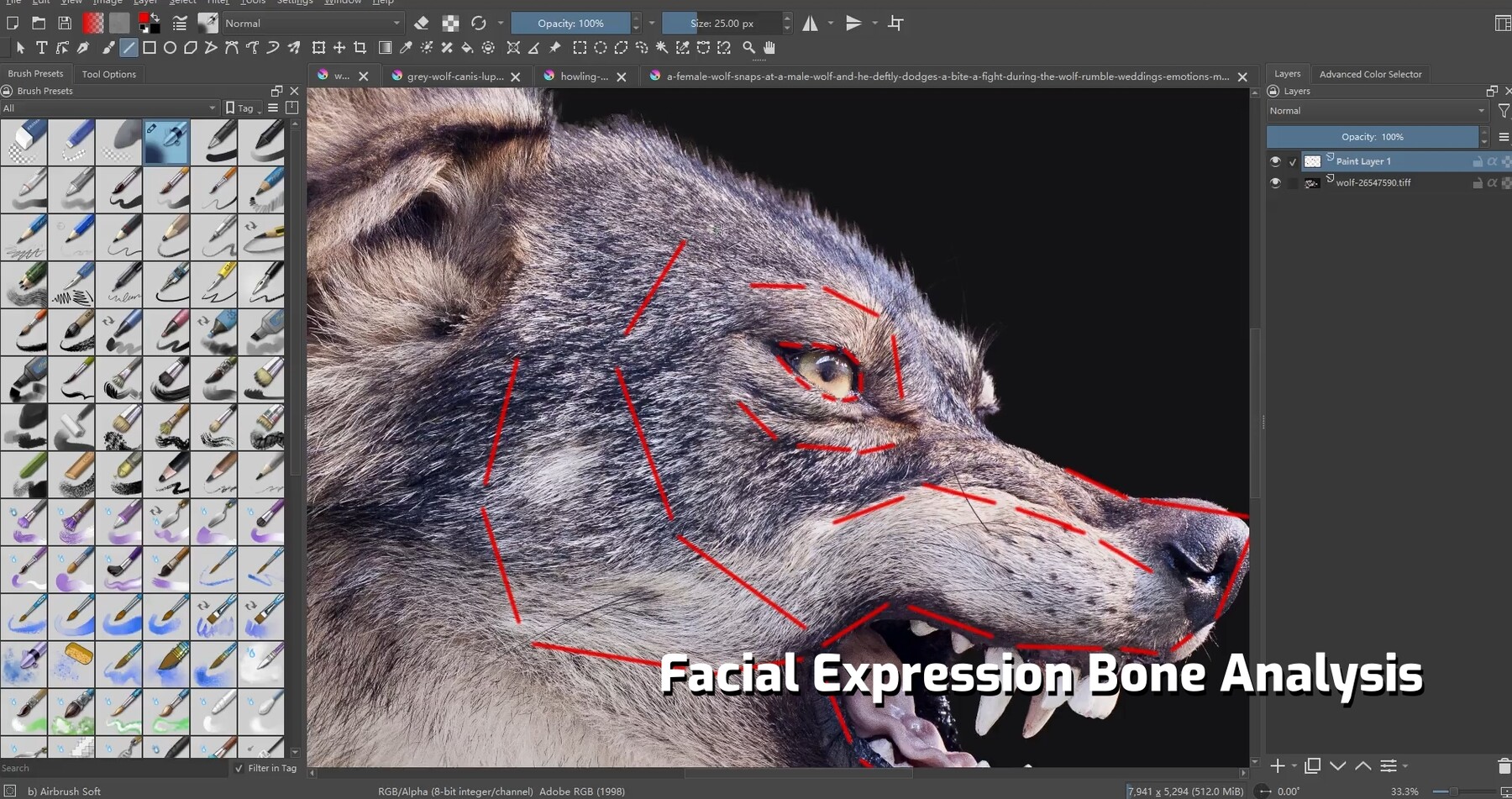
Section 3: Armature Creation and SkinningThis section instructs on creating body and facial skeletons, analyzing facial expressions to determine bone placement, and advanced techniques for mesh skinning.
Upon completing this course, you will master the complete set of skills necessary to rig quadruped animals using Blender's native tools. Mastery of basic bone operations, advanced facial expression rigging, custom controller creation, and UI rigging will empower you to independently achieve high-quality character rigging. This proficiency will significantly enhance your capabilities in animation projects and foster the ability to tackle complex rigging challenges. Whether for personal projects or professional productions, these skills will unlock boundless opportunities on your journey with Blender animation.
Contents- 01-01 Bone Basics 01 ▶Free Trial
- 01-02 Bone Basics 02 ▶Free Trial
- 01-03 Common Bone Constraints 01
- 01-04 Common Bone Constraints 02
- 02-01 Pre-Checking
- 03-00 Introduction to Rigging
- 03-01 Skinned Body Bone Creation
- 03-02 Bone Analysis for Facial Expressions
- 03-03 Creating Skinned Facial Bones
- 03-04 Model Skinning
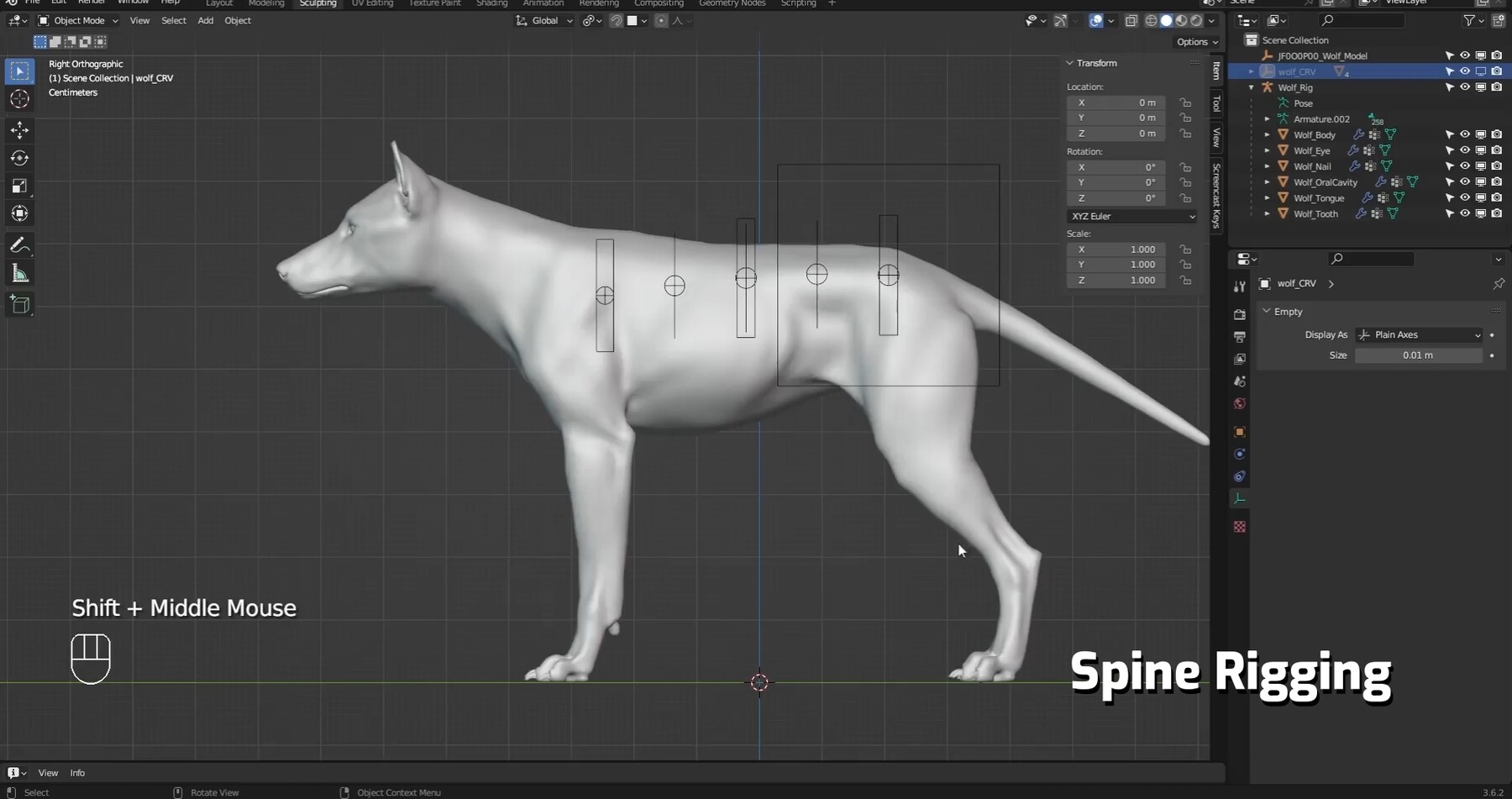
- 04-01 Spine Rigging
- 04-02 Neck Rigging
- 04-03 Foreleg Rigging - Leg
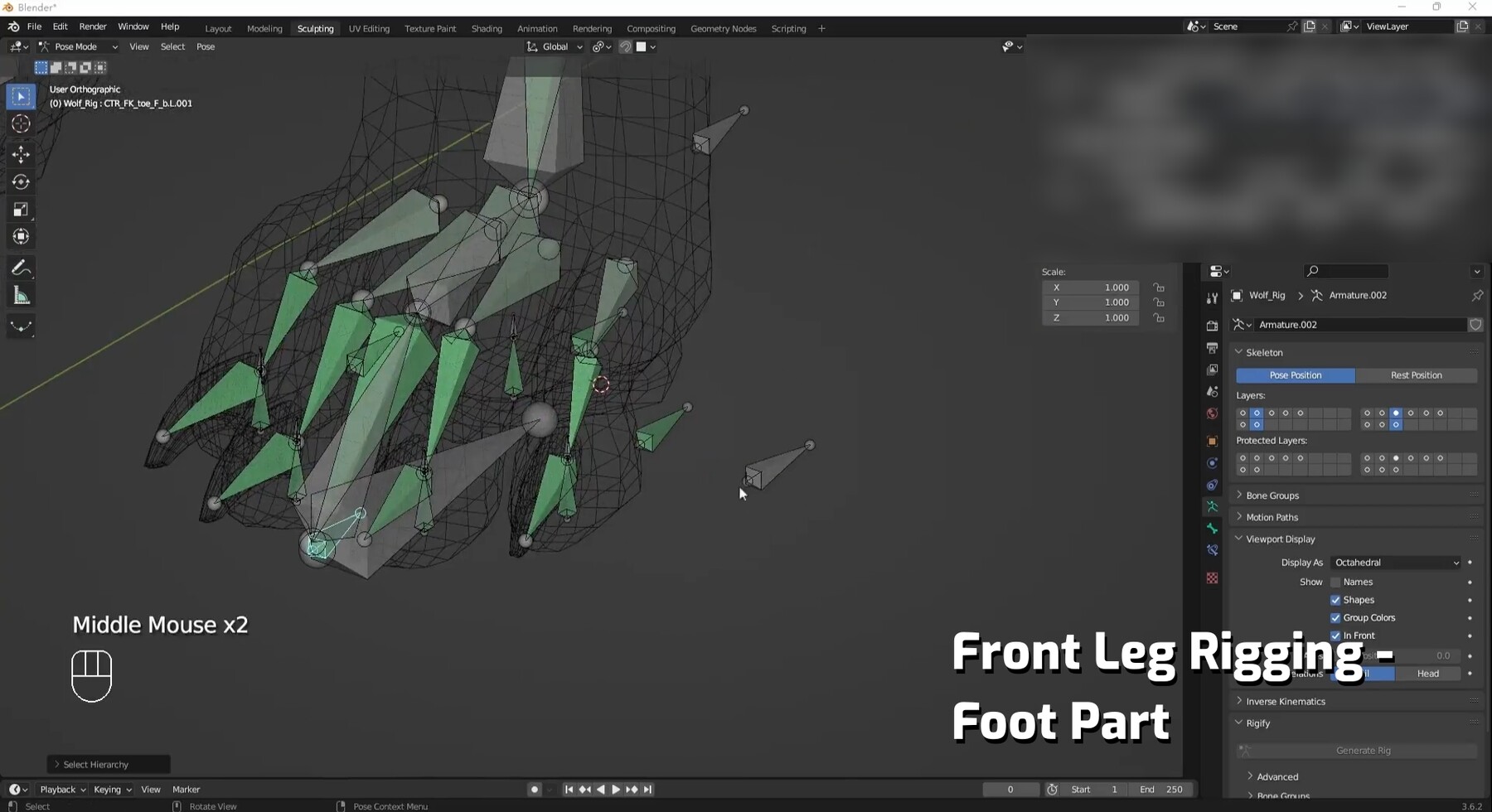
- 04-04 Foreleg Rigging - Foot 01
- 04-04 Foreleg Rigging - Foot 02
- 04-05 Foreleg Rigging - Assigning Custom Shapes and Creating Custom Properties
- 04-06 Hind Leg Rigging
- 04-07 Tail Rigging
- 04-08 Facial Rigging - Secondary and Linkage Effects
- 04-09 Facial Rigging - Facial Actions
- 04-10 Facial Rigging - Tongue
- 04-11 Facial Rigging - Assigning Custom Shapes
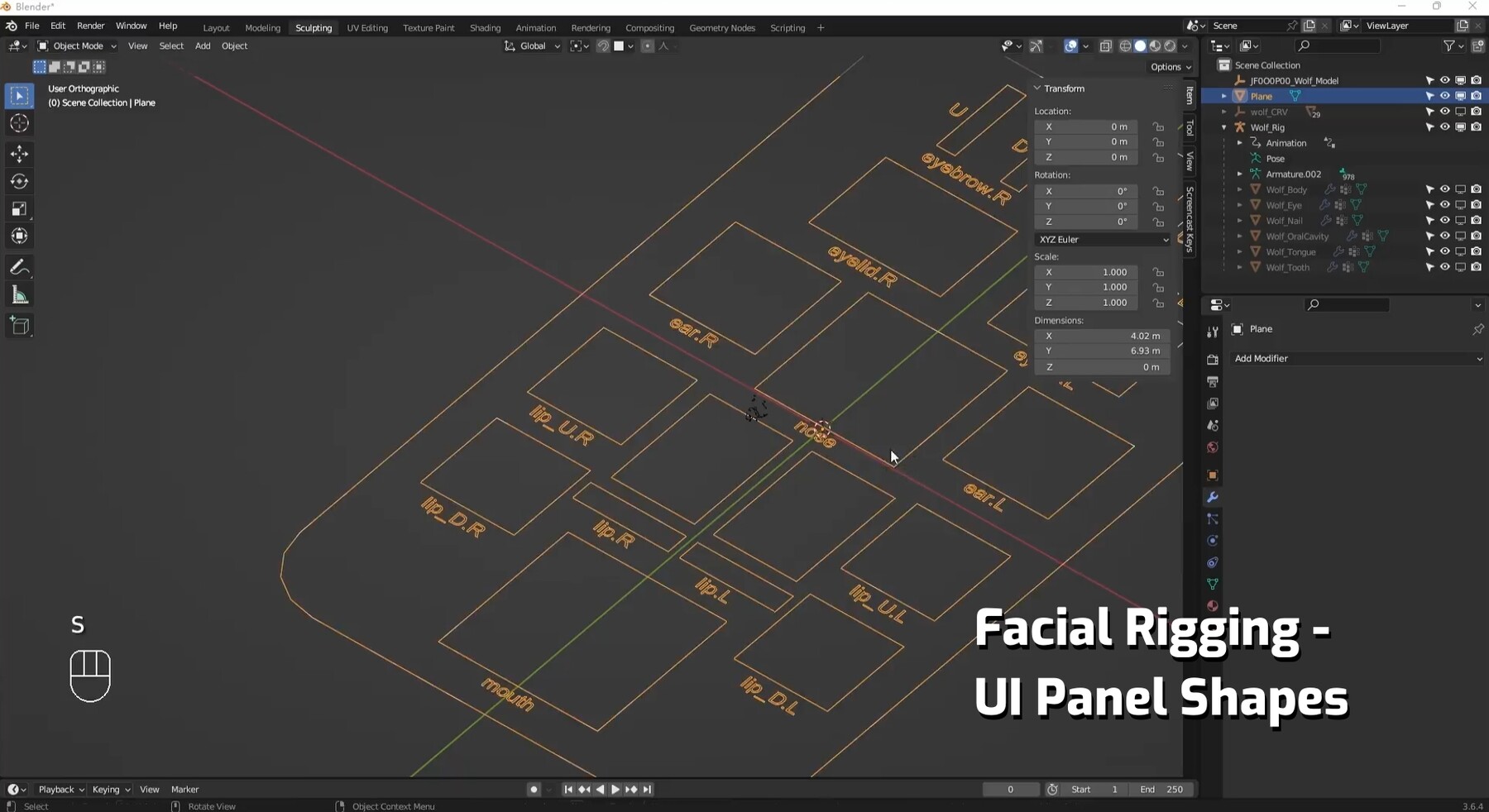
- 04-12 Facial Rigging - UI Panel Shapes
- 04-13 Facial Rigging - UI Panel Rigging
- 04-14 Weight Painting
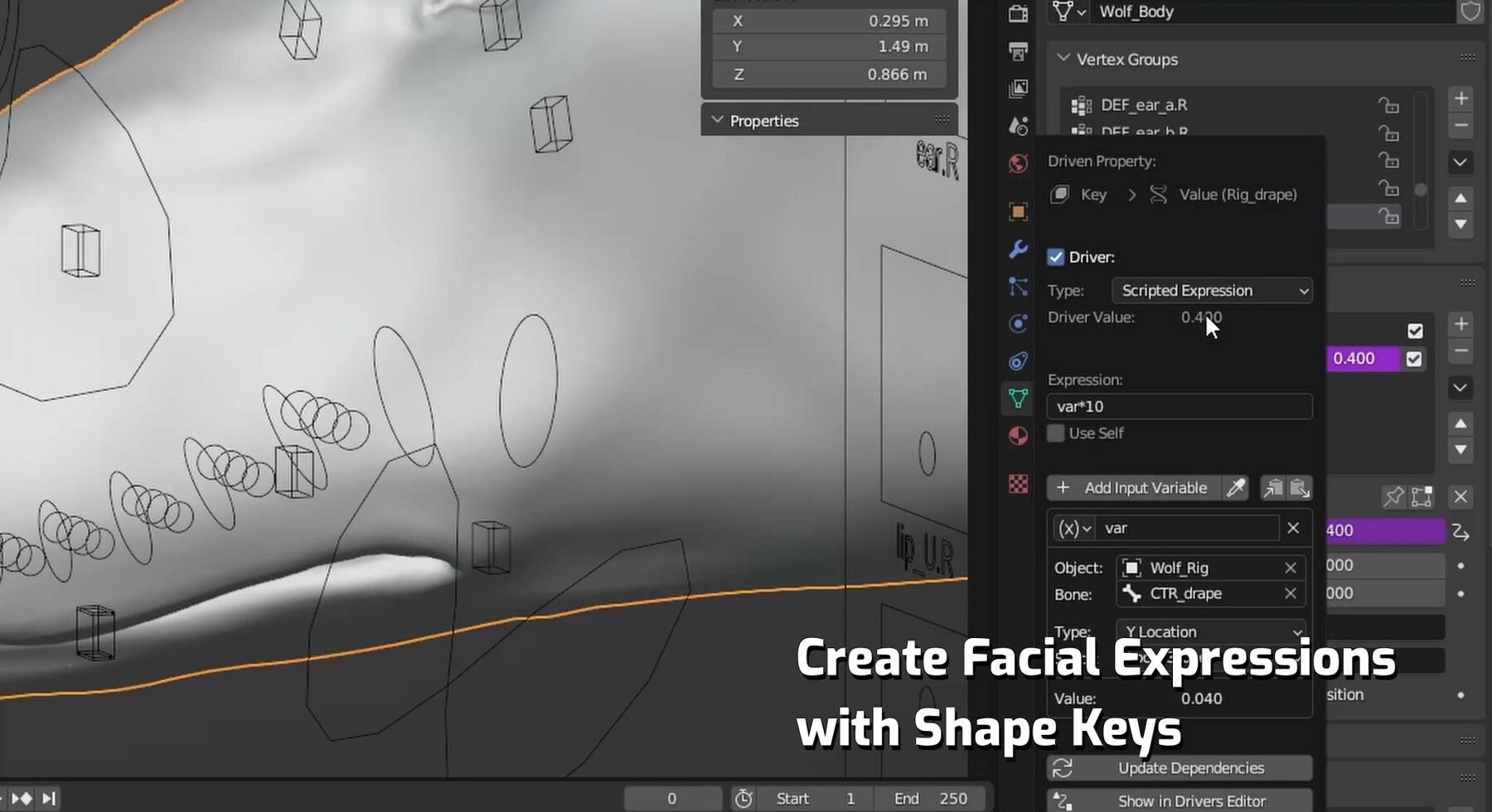
- 04-15 Creating Facial Expressions with Shape Keys
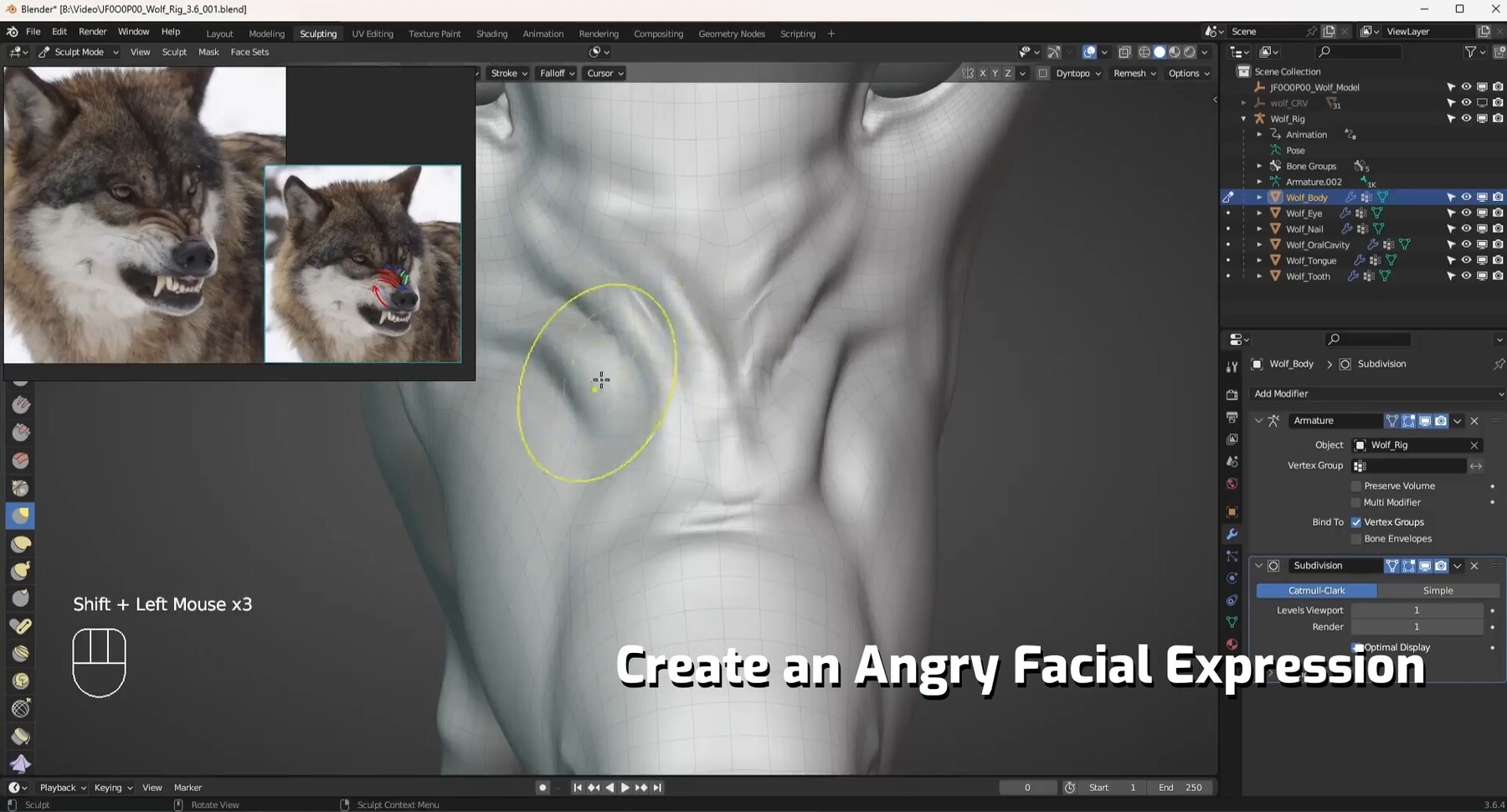
- 04-16 Creating Angry Facial Expression
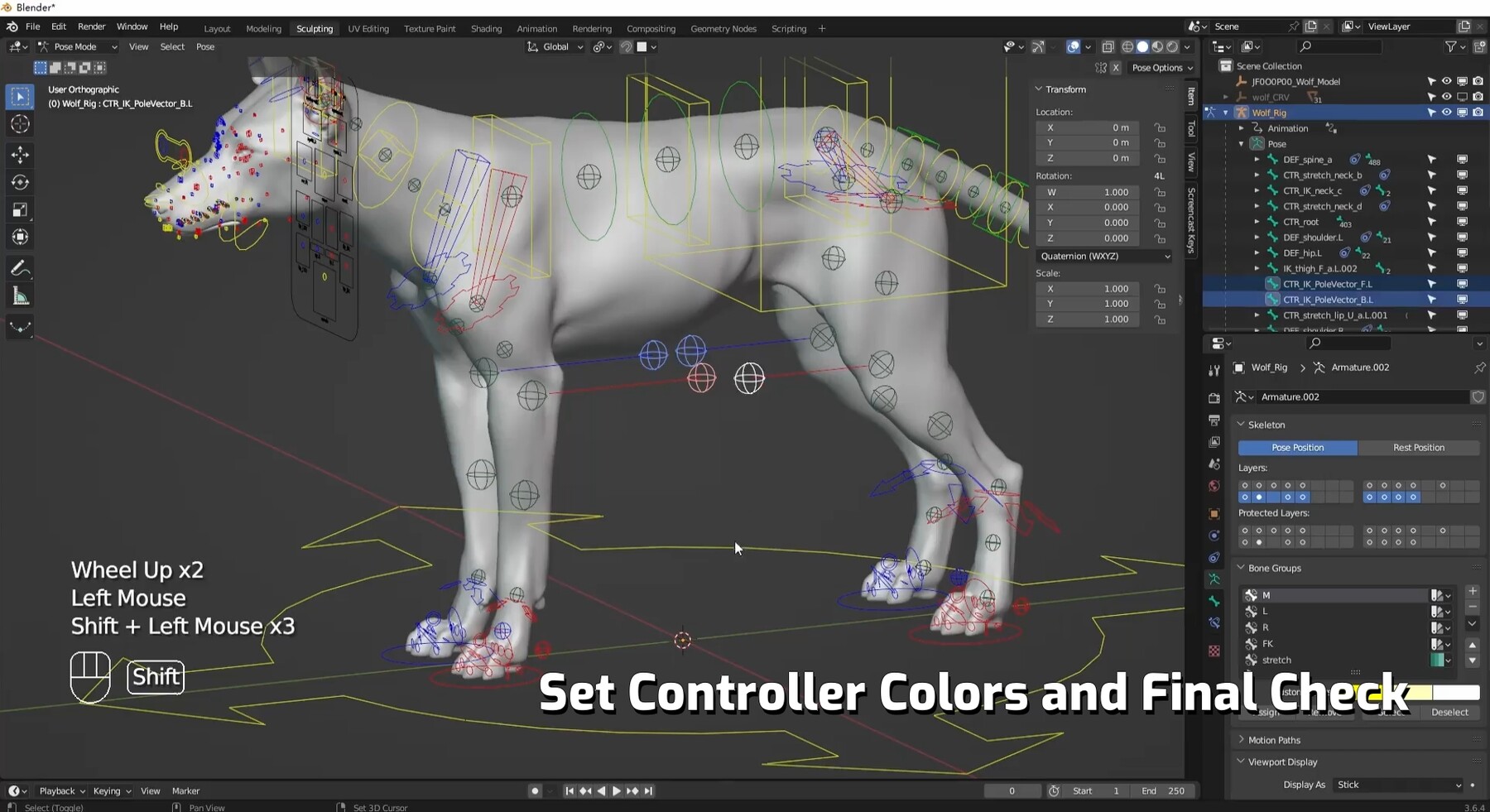
- 04-17 Setting Controller Colors and Final Checking
- 05-01 Blender 4.1 New Features
Also known as: Blender Creature Effects Tutorial - Rigging Section
If you're interested in learning the complete process of animal creation tutorials, please stay tuned for more of our tutorials.👇