Fusion Script | PieMenu Editor | VFX Grace
Working environment:
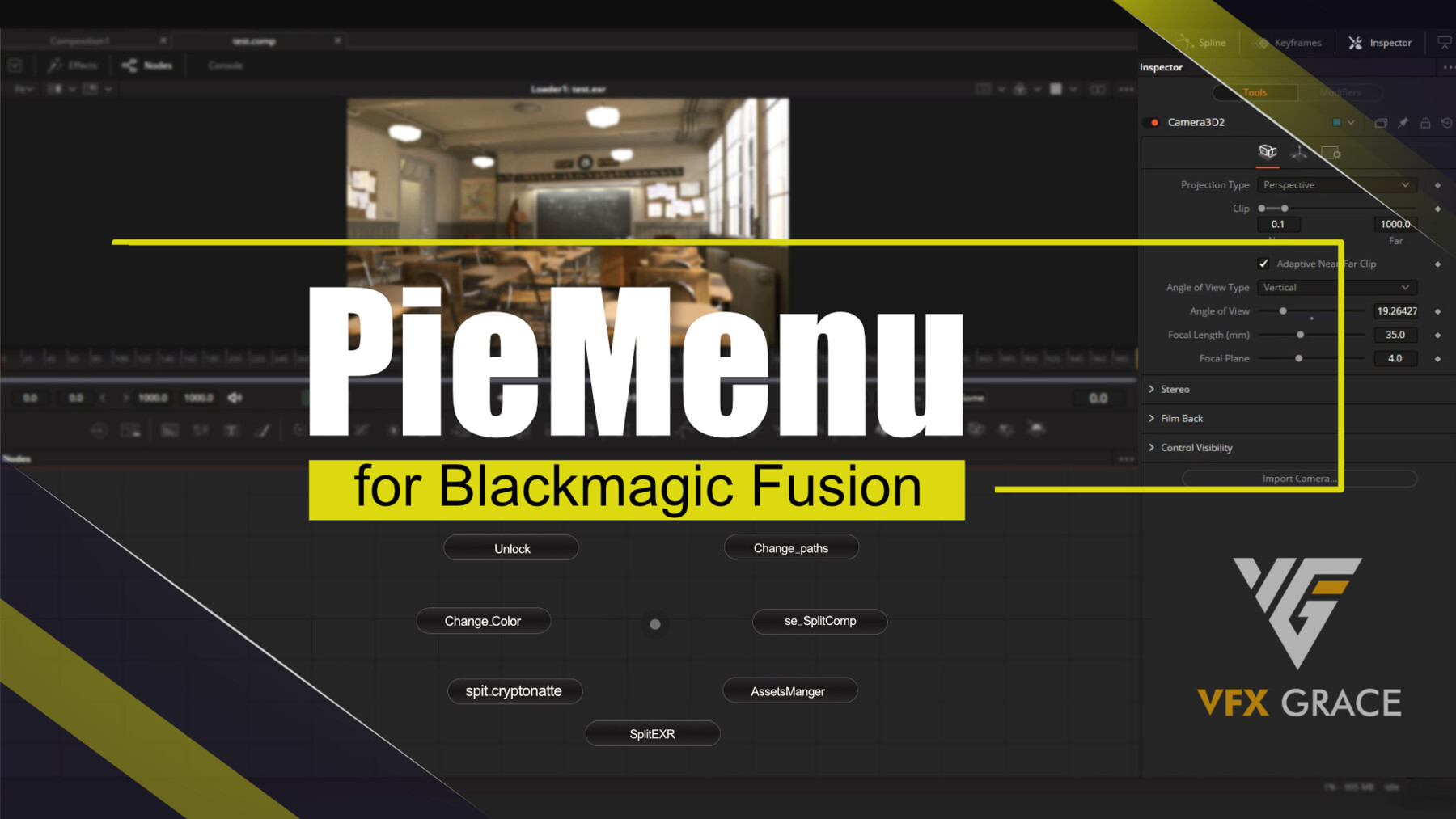
PieMenu allows you to add some common nodes or scripts in Fusion to Pie Menu so that some commonly-used nodes can be at hand.
Working environment
Windows: Fusion 9, Fusion 16
Python2.7-64bit and PyQt_2.7-64bit required.
1). Install Python2.7
2). Install PyQt4 for Python2.7
Features
Customize common Script, Fuse, and Macro into PieMenus. Besides, more than one PieMenu is available.
Instructions
Find PieMenu in the Fusion menu, and select PieMenu Editor, then custom tools and keyboard shortcuts in the pop-up window.
Three ways to activate the buttons on the PieMenu:
1. Click on the button directly
2. Move the mouse to the button in one second
3. Left-click on outside the PieMenu window
Three ways to exit PieMenu:
1. Press Esc
2. Right-click on anywhere
3. Move the mouse out of the PieMenu window
Release Notes
1. Upgrade Python version to Python3, and dependency libraries to PySide2. 2.
2. Improve the management of Pie Menu presets in Pie Menu management interface, add and delete presets.
3. Move the plugin to Script, you can start it under Script menu. 4.
4. Modify the saving method of Pie Menu presets, no longer compatible with the old version of presets.
5. Optimized the performance, improved the startup speed a bit.