Website powered by

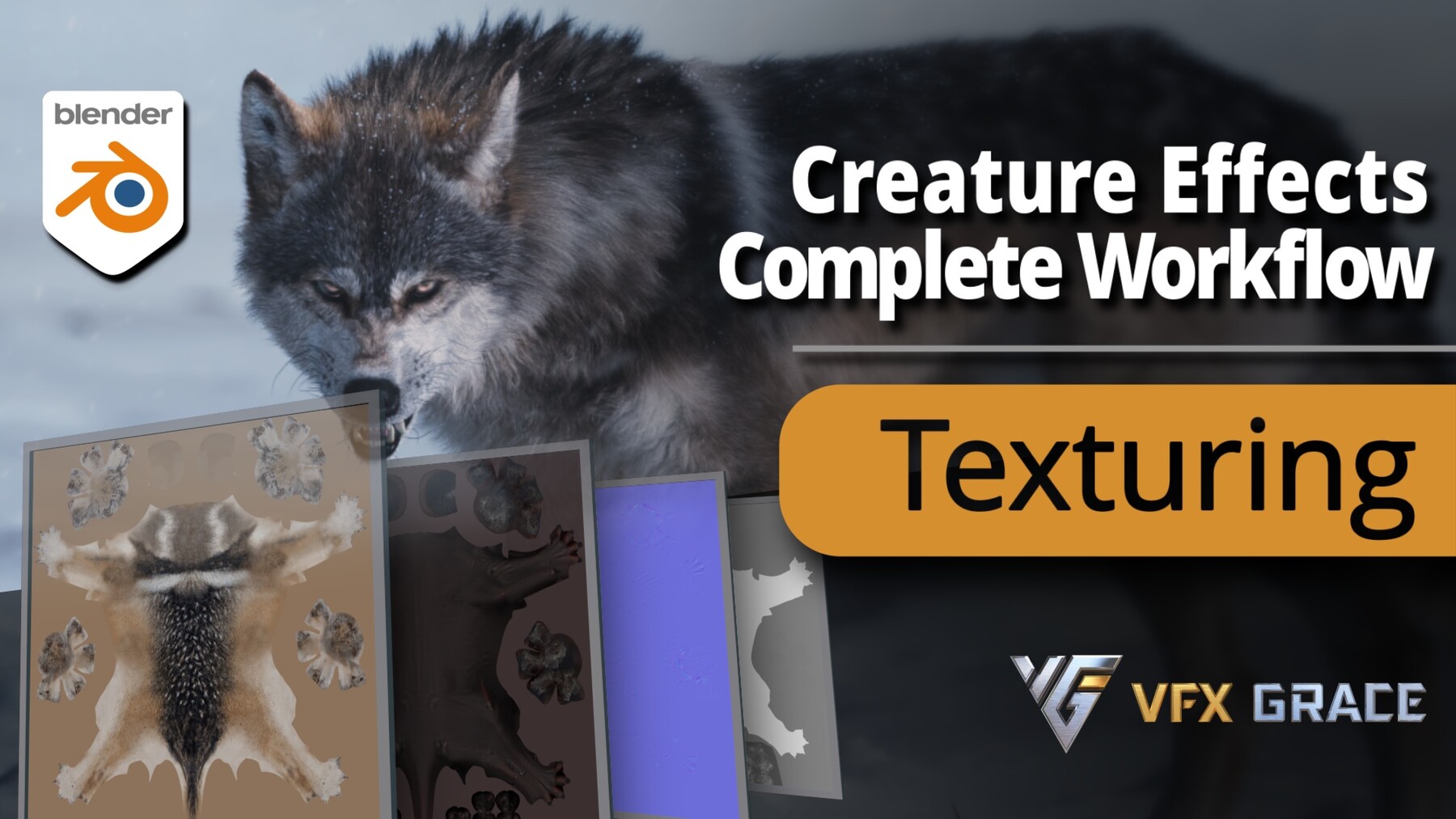
Blender Creature Effects Tutorial - Texturing Section
| Techniques: Texturing              | Software: Blender, Krita               

| Tags: Blender, Krita, Texture, Draw, UV            | Duration: 10+ Hours  

INTRODUCTION 

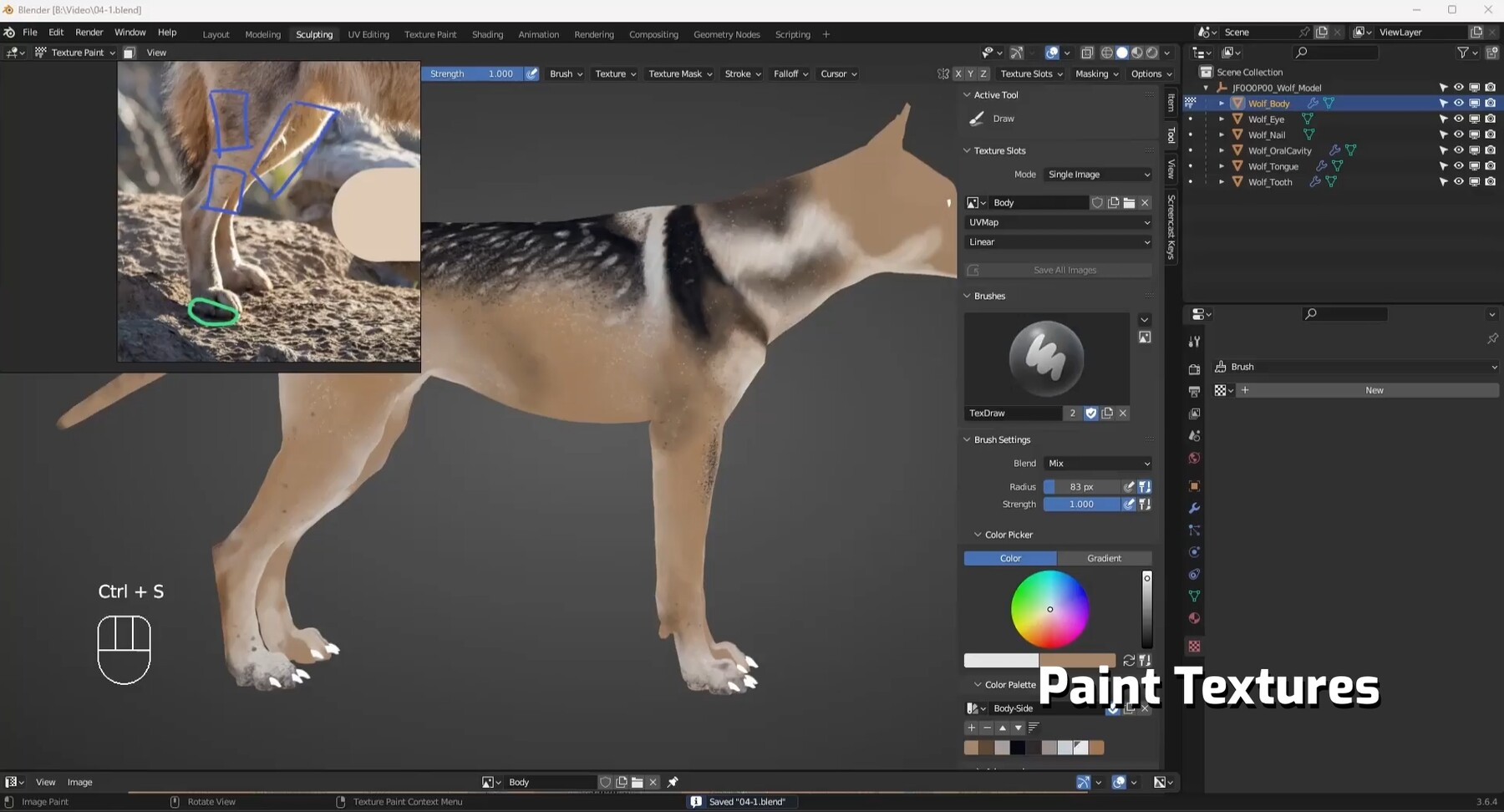
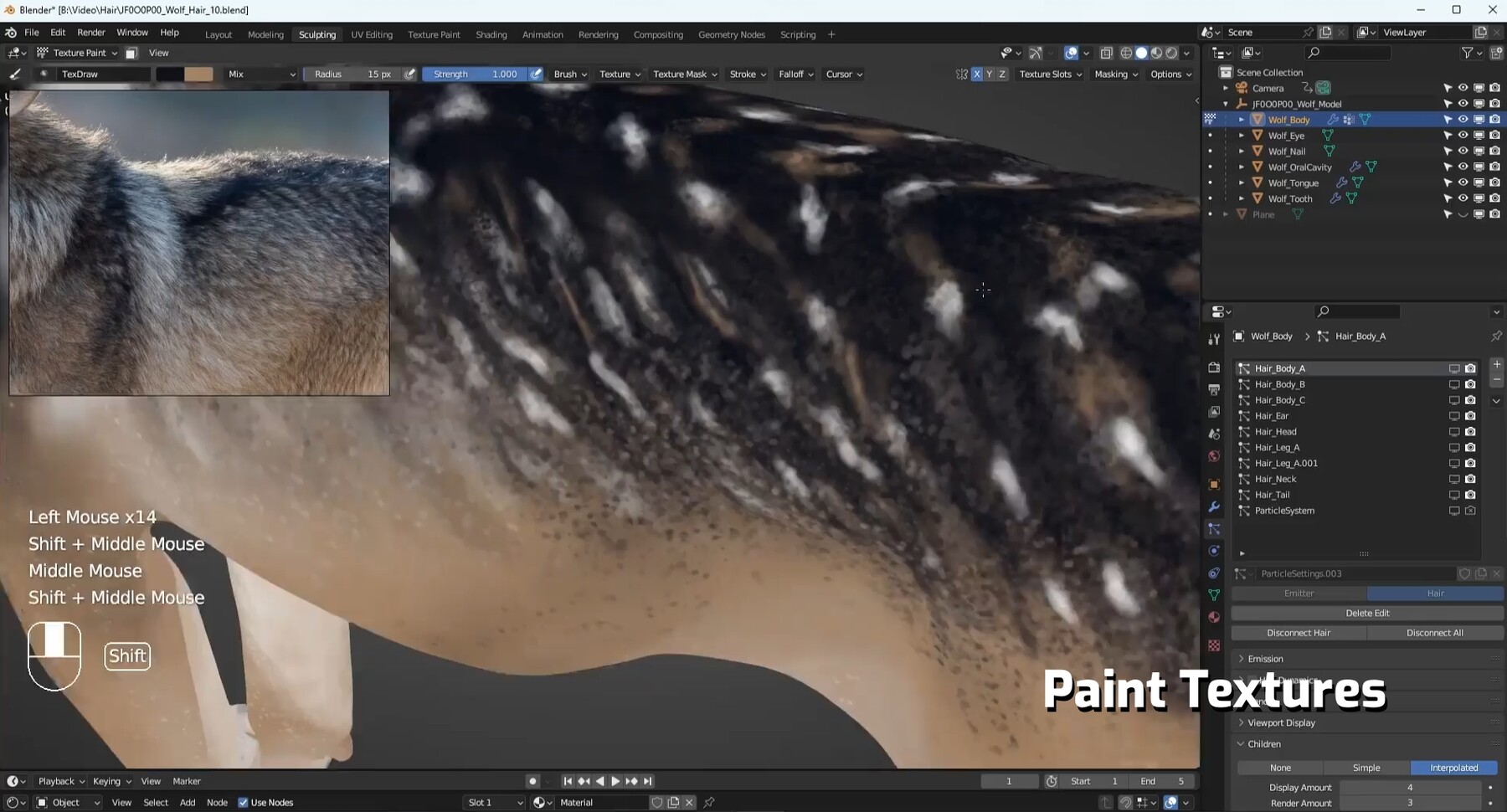
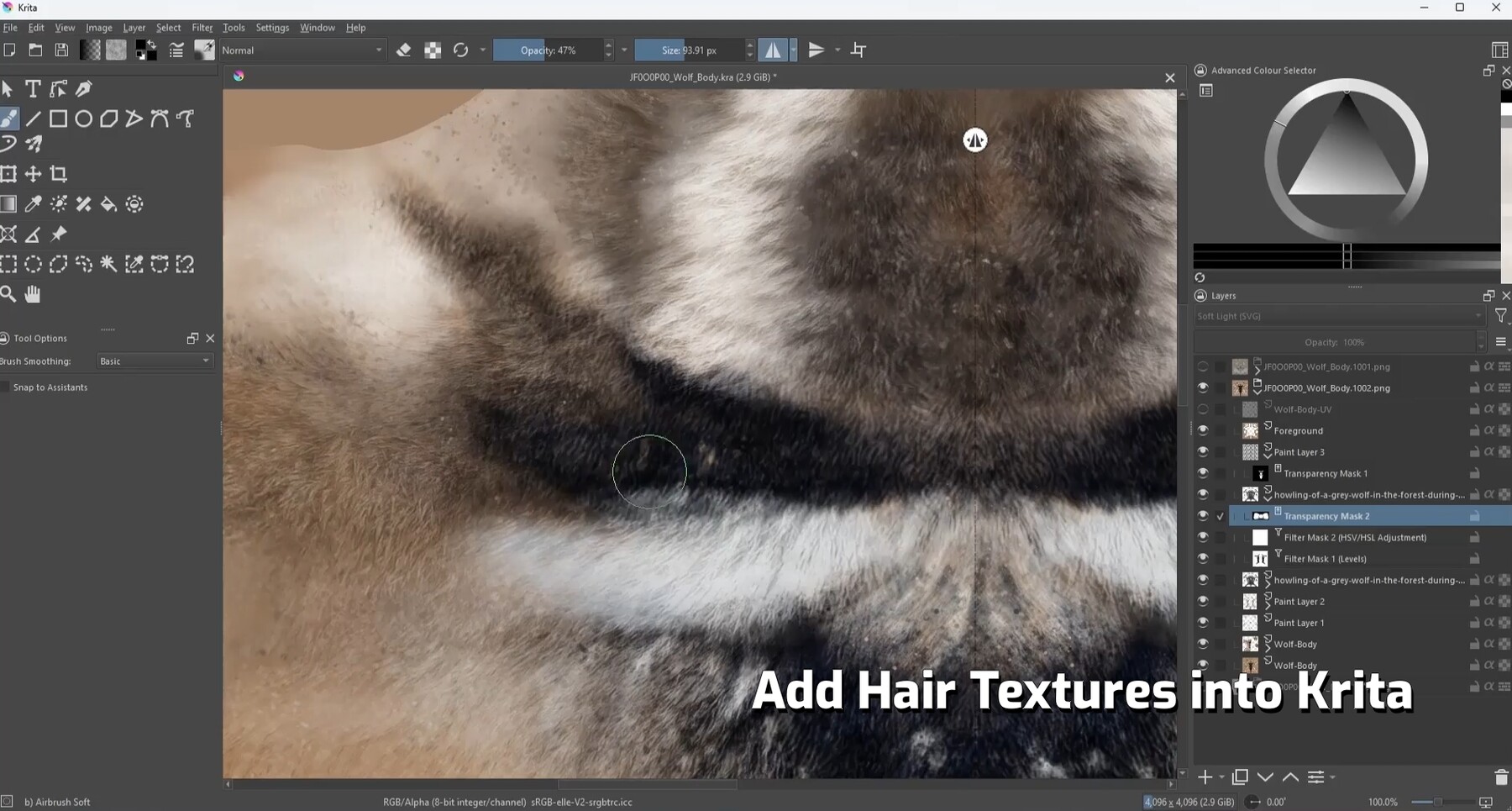
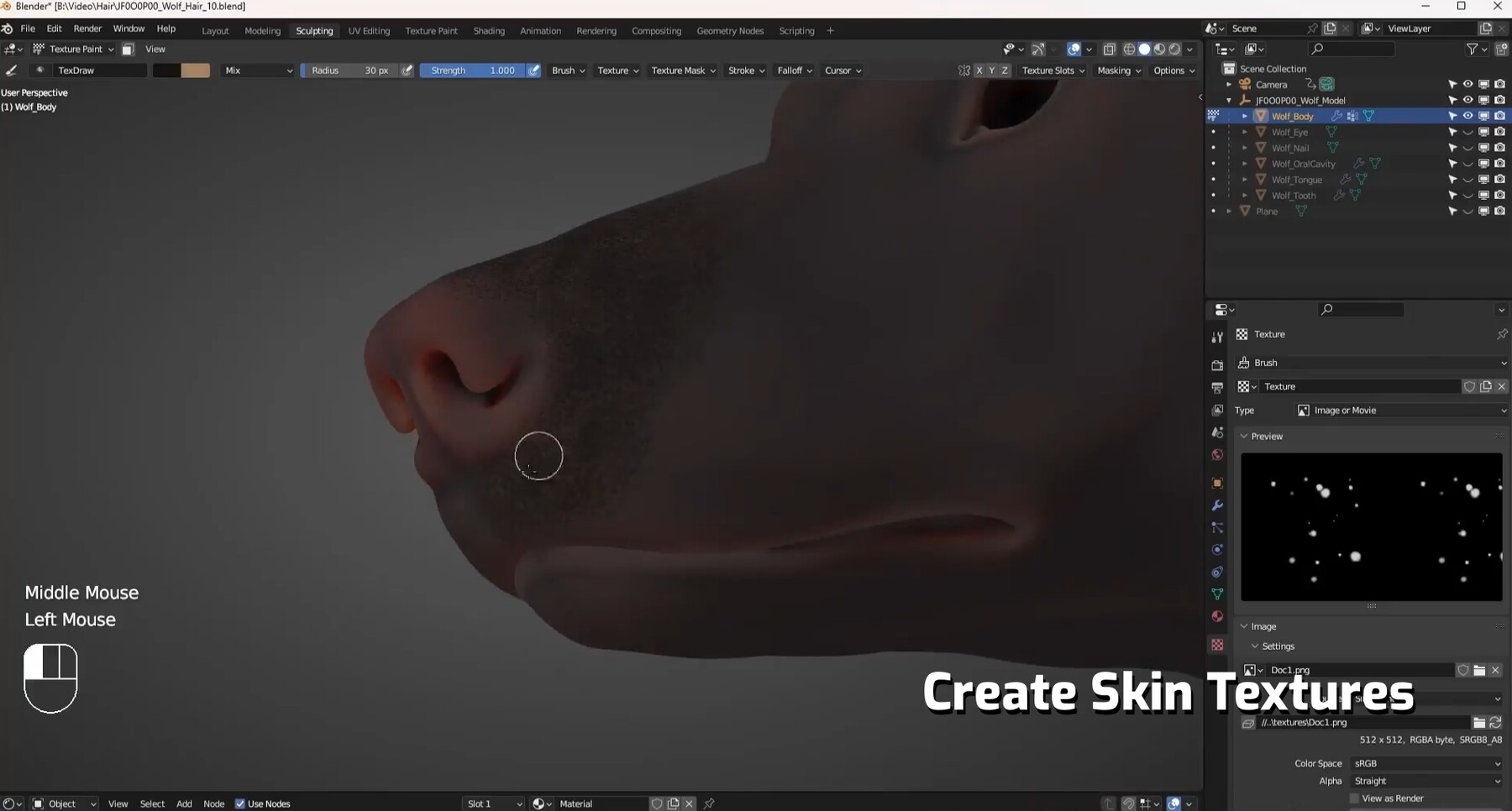
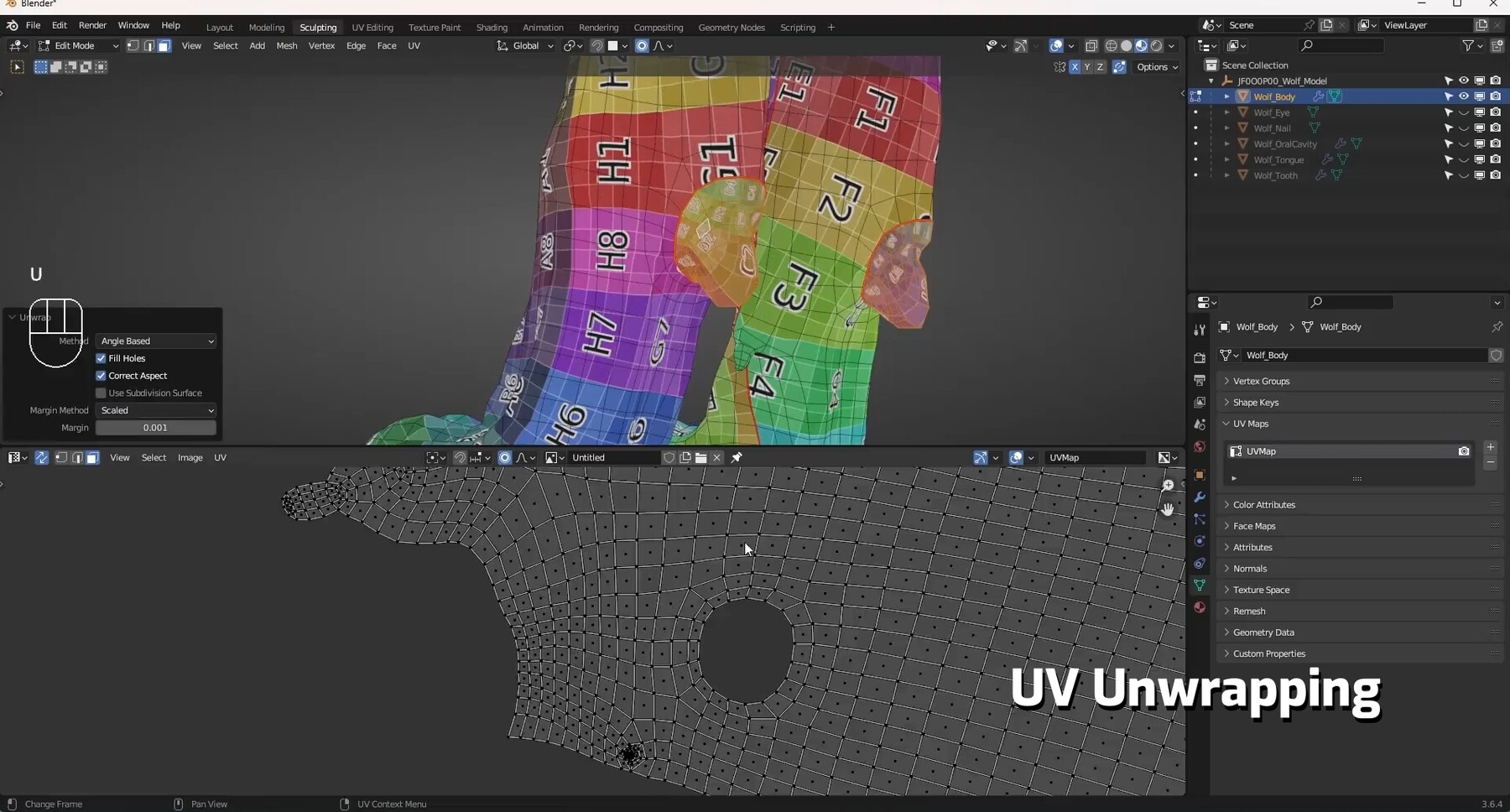
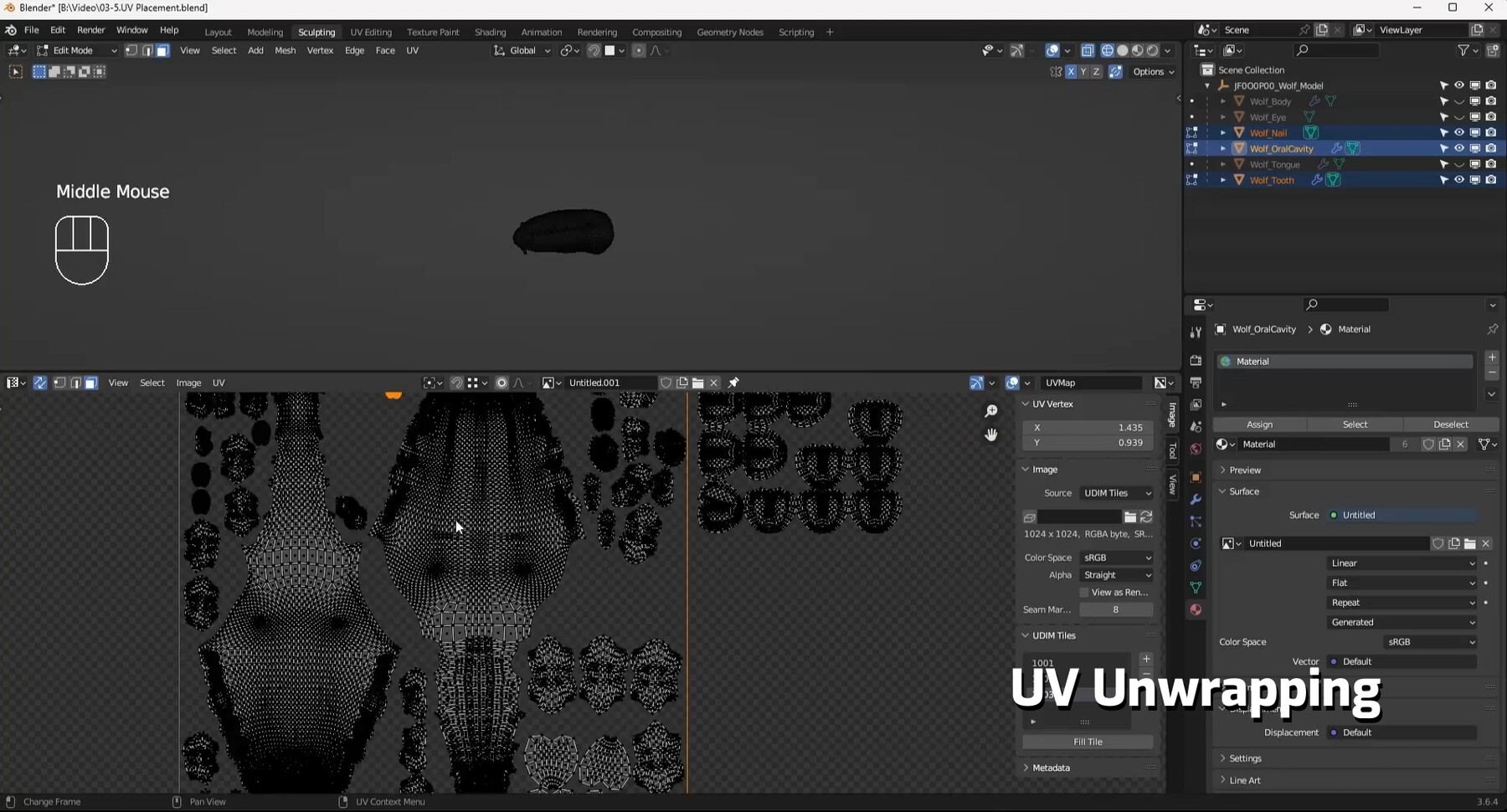
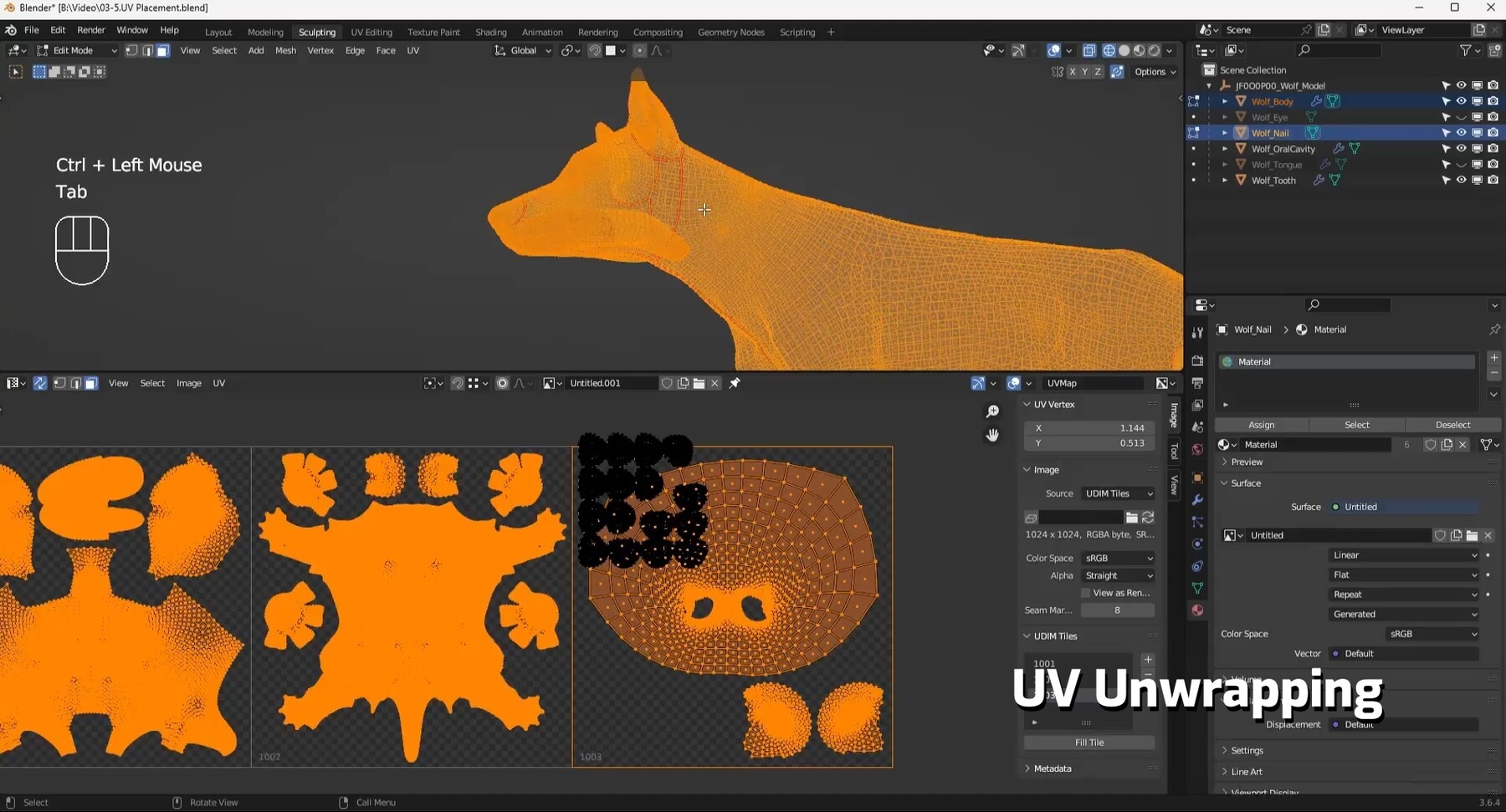
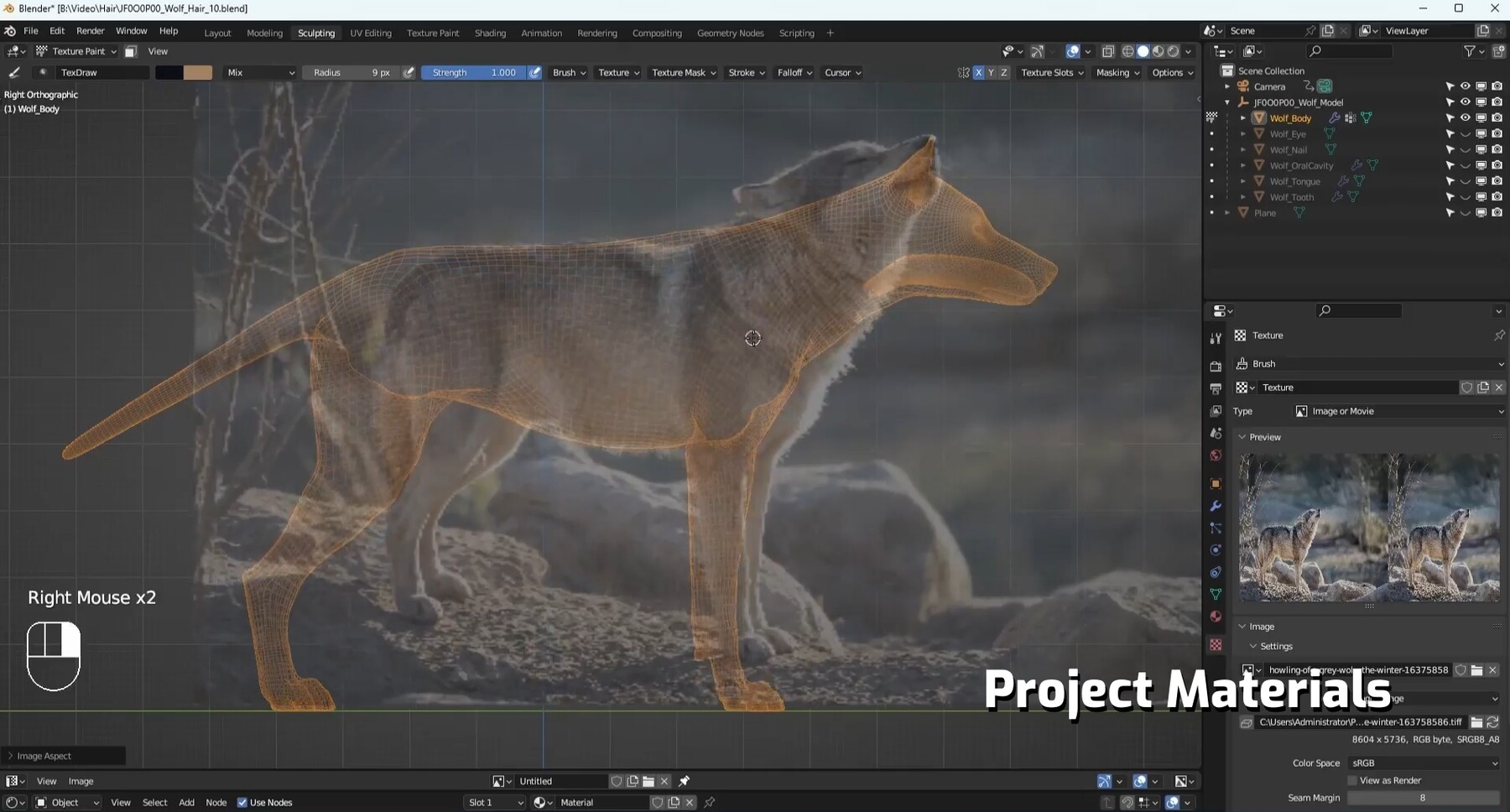
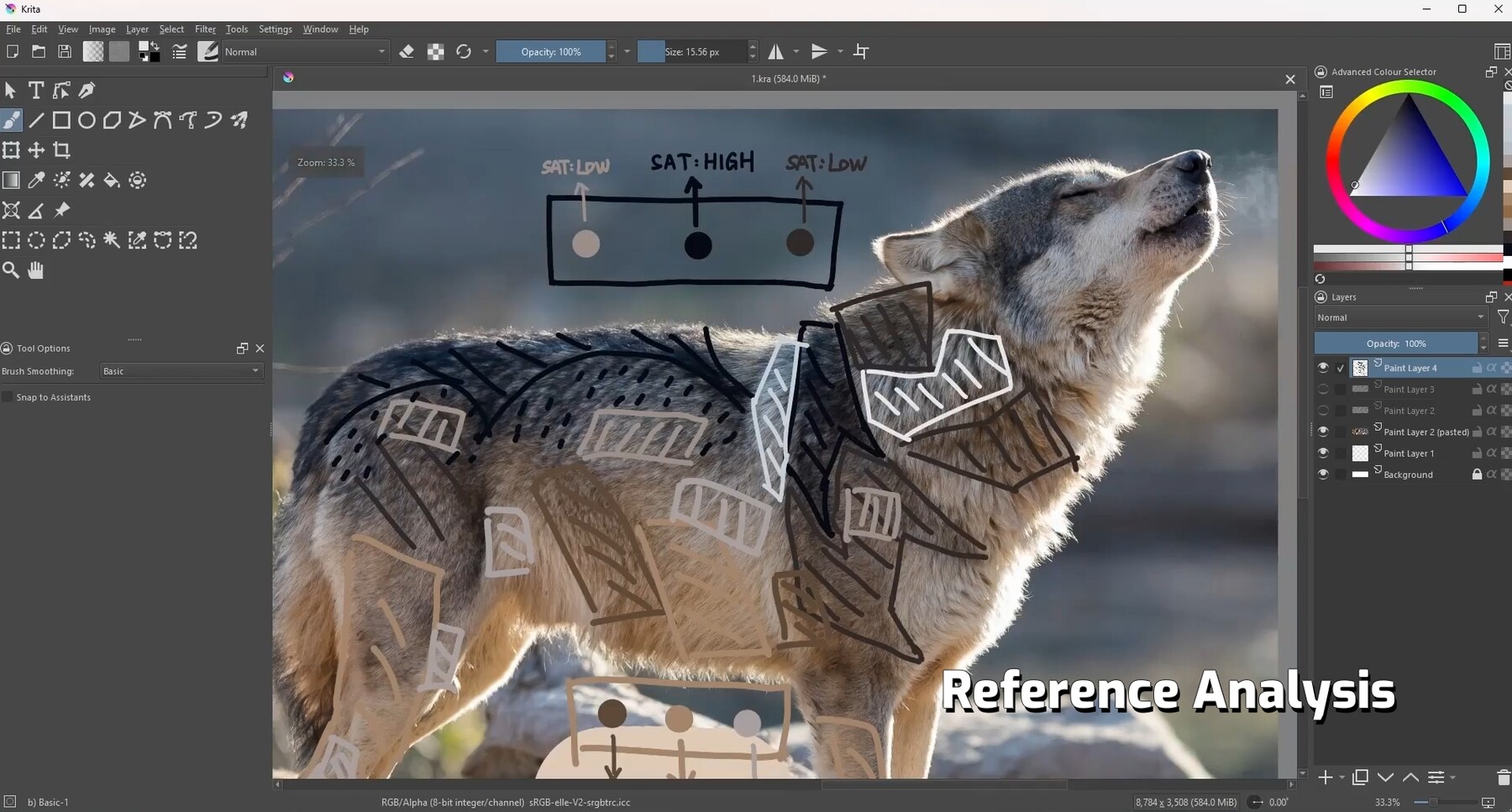
In the texturing section, we will use Blender and Krita together to create textures for the wolf model. Starting with the basics of UV knowledge, we will master the principles of UV unwrapping. In the texturing phase, we will learn to analyze the texture and characteristic temperament of the wolf. With hand-drawn textures, projected images, and program generated textures, we will create realistic fur textures and skin textures for the wolf. Finally, we will apply textures and materials to make the wolf look vivid and realistic.

—— Warm Tips ——

Learning Tools: Blender 3.6 LTS will be used for demonstrations in this course. It is also advisable to download and install the latest version of Krita.

 | Tutorial Trailer |

Tags: Masterclass+, Realistic Wolf, observing and analyzing References, Paint Textures, Texture and Material Creation

| Contents |
  • 01-01 Blender Painting Basics                       ▶ Free Trial

  • 01-02 Krita Basics                                          ▶ Free Trial 

  • 02-01 Reference Analysis - Body Side View

  • 02-02 Reference Analysis - Other Angles of Body

  • 02-03 Reference Analysis - Head

  • 03-01 Uv Unwrapping - Basic Concepts

  • 03-02 Uv Unwrapping - Basic Operations

  • 03-03 UV Unwrapping - Head

  • 03-04 Uv Unwrapping - Nose

  • 03-05 Uv Unwrapping - Body

  • 03-06 Uv Unwrapping - Small Body Components

  • 03-07 Uv Layout

  • 04-01 Painting Large Color Blocks for Body

  • 04-02 Painting Color Block Variations for Body

  • 04-03 Painting Transitions for Body Color Blocks

  • 04-04 Painting Details for Body Color Blocks

  • 04-05 Painting Head Texture

  • 04-06 Painting Ear Texture and Head Details

  • 04-07 Checking the Base Map Effect

  • 04-08 Addressing Base Map Issues

  • 04-09 Adding Speckles to Texture in Krita

  • 04-10 Projecting Textures

  • 04-11 Adding Hair Texture in Krita

  • 04-12 Checking and Modifying Final Hair Texture

  • 05-01 Creating Textures - Skin

  • 05-02 Creating Textures and Materials - Nose

  • 05-03 Creating Textures and Materials - Paw Pads

  • 05-04 Creating Textures and Materials - Eyes

  • 05-05 Creating Textures and Materials - Nails

  • 05-06 Creating Materials - Lips

  • 05-07 Creating Textures and Materials - Gums

  • 05-08 Creating Textures and Materials - Teeth

  • 05-09 Creating Textures and Materials - Tongue

  • 05-10 Checking And Modifying Overall Effects 01

  • 05-11 Checking and Modifying Overall Effects 02

  • 05-12 Addressing Texture Seams

  • 06-01 Modifying Suggested Issues and Organizing Project

Standard Use License
$78
License: Standard License
Stock Assets

For personal use and one commercial project (up to 2,000 sales or 20,000 views).

Tutorials

One copy to be used by a single user.

Installable Tools

One installation by a single user.

Learn More
Files (40)
01-01 Blender Painting Basics
mp4 /
32 MB
01-02 Krita Basics
mp4 /
83 MB
02-01 Reference Analysis - Body Side View
mp4 /
130 MB
02-02 Reference Analysis - Other Angles of Body
mp4 /
49 MB
02-03 Reference Analysis - Head
mp4 /
78 MB
03-01 Uv Unwrapping - Basic Concepts
mp4 /
17 MB
03-02 Uv Unwrapping - Basic Operations
mp4 /
35 MB
03-03 UV Unwrapping - Head
mp4 /
180 MB
03-04 Uv Unwrapping - Nose
mp4 /
77 MB
03-05 Uv Unwrapping - Body
mp4 /
130 MB
03-06 Uv Unwrapping - Small Body Components
mp4 /
130 MB
03-07 Uv Layout
mp4 /
110 MB
04-01 Painting Large Color Blocks for Body
mp4 /
47 MB
04-02 Painting Color Block Variations for Body
mp4 /
72 MB
04-03 Painting Transitions for Body Color Blocks
mp4 /
96 MB
04-04 Painting Details for Body Color Blocks
mp4 /
48 MB
04-05 Painting Head Texture
mp4 /
150 MB
04-06 Painting Ear Texture and Head Details
mp4 /
78 MB
04-07 Checking the Base Map Effect
mp4 /
62 MB
04-08 Addressing Base Map Issues
mp4 /
160 MB
04-09 Adding Speckles to Texture in Krita
mp4 /
130 MB
04-10 Projecting Textures
mp4 /
56 MB
04-11 Adding Hair Texture in Krita
mp4 /
140 MB
04-12 Checking and Modifying Final Hair Texture
mp4 /
84 MB
05-01 Creating Textures - Skin
mp4 /
100 MB
05-02 Creating Textures and Materials - Nose
mp4 /
180 MB
05-03 Creating Textures and Materials - Paw Pads
mp4 /
110 MB
05-04 Creating Textures and Materials - Eyes
mp4 /
110 MB
05-05 Creating Textures and Materials - Nails
mp4 /
46 MB
05-06 Creating Materials - Lips
mp4 /
41 MB
05-07 Creating Textures and Materials - Gums
mp4 /
96 MB
05-08 Creating Textures and Materials - Teeth
mp4 /
84 MB
05-09 Creating Textures and Materials - Tongue
mp4 /
34 MB
05-10 Checking And Modifying Overall Effects 01
mp4 /
71 MB
05-11 Checking and Modifying Overall Effects 02
mp4 /
76 MB
05-12 Addressing Texture Seams
mp4 /
81 MB
06-01 Modifying Suggested Issues and Organizing Project
mp4 /
86 MB
JF0O0P00_Wolf_Hair_Blender
zip /
40 MB
JF0O0P00_Wolf_Model_Blender
zip /
340 MB
Texturing Section Reference
xlsx /
9.3 KB