Blender Addon | Hair_Extension_Toolkit | VFX Grace
🎁 15%OFF | BUNDLE SALE
Introduction:
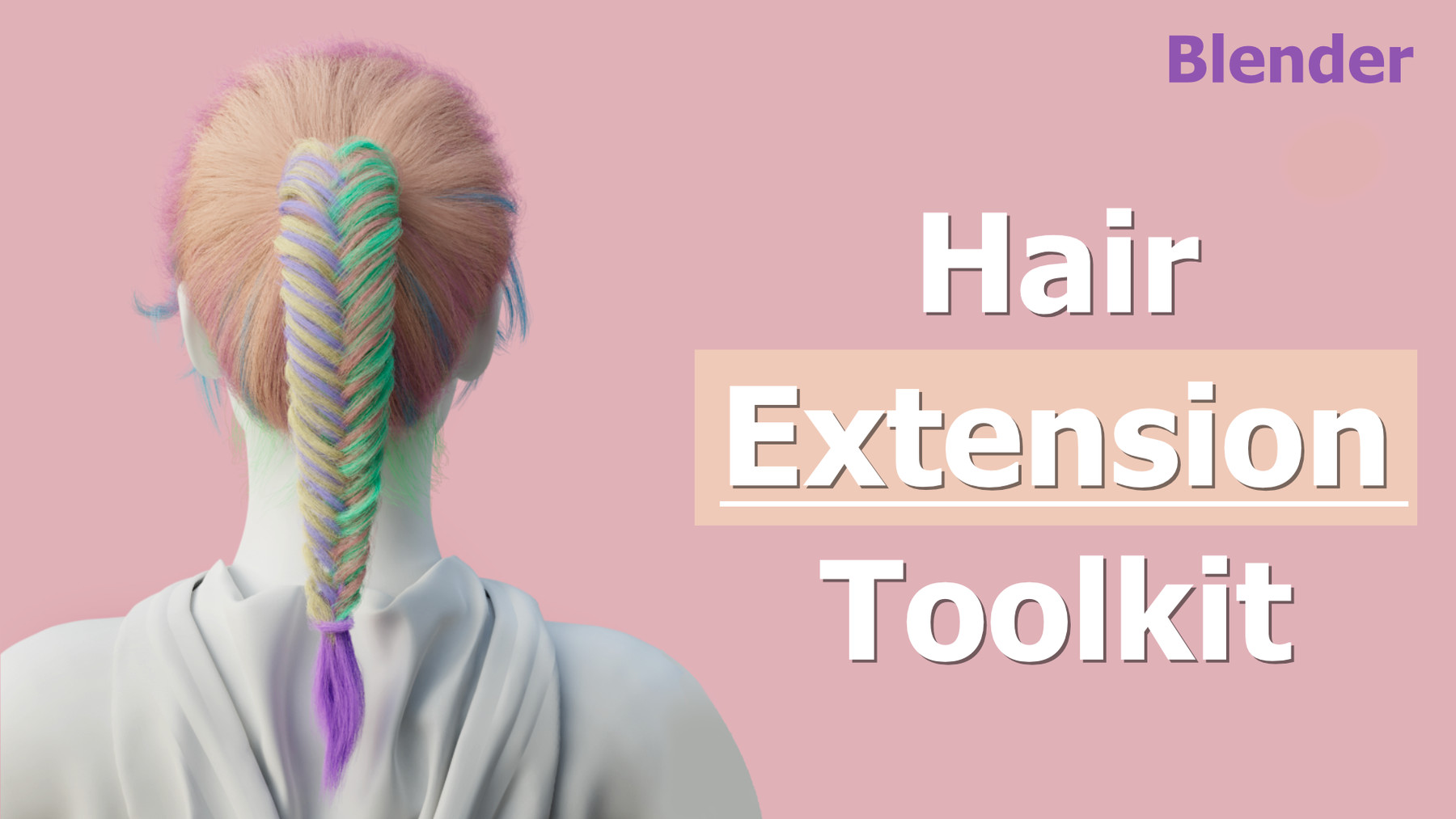
Hair_Extension_Toolkit is an add-on that highly enhances the controllability of the hair in Blender. There are many practical functions, like merging and splitting particle systems, resetting the number, steps, and length of the guides, applying the effect of children to the guides, recording the hair selections (There is a PieMenu about hair selections), etc., thus greatly helping users improve the efficiency of the creation of the hair.
Requirements:
Windows system: Blender 2.81a, 2.82, 2.83, 2.90, 2.91, 2.92, 2.93, 3.0, 3.1, 3.2, 3.3, 3.4.
Linux system: Blender 2.81a, 2.82, 2.83, 2.90, 2.91, 2.92, 2.93, 3.0, 3.1, 3.2 3.3, 3.4.
Mac system: Blender 3.3, 3.4.
Note: This add-on is updated to support Blender 2.83. For the later Blender versions, we haven’t updated yet. Please check the versions before purchasing it to avoid incompatibility due to the versions. Please feel free to tell us about the issue of incompatibility.
Features:
1.Hair Selection:
- Hair_Extension_Toolkit can add selections to hair, which is very similar to the vertex groups of the mesh.
- Hair_Extension_Toolkit adds Mirror, Rekey, Subdivide, and Delete Hair, these four Blender functions, to make the selections work well.
- Hair_Extension_Toolkit adds a one-time undo function to fix the issue that the operations cannot be undone. But please note here that Hair_Extension_Toolkit just allows undo one time because it only backs up the data once.
- To improve efficiency, Hair_Extension_Toolkit adds a PieMenu, the shortcut key of which is Ctrl + X in Particle Edit Mode.
2.Hair splitting and merging:
- Hair_Extension_Toolkit can merge two particle systems and select to retain the particle systems or not before merging.
- Hair_Extension_Toolkit can split one particle system to two and retain the particle system before splitting. Besides, there are three ways of settings—Original Settings, New Settings, Public Settings.
3.Functions:
- Delete the extra guides out of the weight in the vertex group density.
- Select double keys.
4.Sort the order of the particle systems.
Hair_Extension_Toolkit allows users to sort particle systems manually.
5.Reset Hair Number:
- Reset the number and step of the guides with the original shape of the guides.
- Apply the effect of children to the guides.
- Apply timing in the particle system to guides.
6.Length Update:
In Object Mode or Particle Edit Mode, Hair_Extension_Toolkit can uniform the length of the hair; meanwhile, it also can keep the original shape and update the display of hair in real time.
7.Reset the settings of the particle system:
This function allows users to remodify the settings of the edited hair, reset all the parameters in the particle system but with the original guides, and apply the settings of a particle system to another particle system.
8.Hair Assign:
- This function promotes the way to select points, which makes it easy to select the points on the hair randomly as needed.
- To use this function conveniently, a PieMenu of Hair selection is added, the shortcut key of which is Alt +E in Particle Edit Mode.
9.Particle Convert
- Hair_Extension_Toolkit can convert the curves to guides based on the shapes of the curves.
- Users can select multiple curves at the same time, but only one mesh. If several meshes are needed to add hair, then please convert curves separately.
Installation:
Hit Edit on the menu bar, then Preferences - Add-ons - Install, and select the zip file to install.
Note:
Hair Selection:
Do not slide Rekey, or Blender may crash easily.
Please toggle off the Mirror before using Subdivide in hair selection, otherwise Blender may crash easily or the selected hair may be not correct.
Reset Hair Number:
Please do not change the settings frequently of the edited particle systems. And you can change the settings of the hair to hairs. Changing the settings of hair to the settings of emitter may cause the project’s damage.
When using the twist effect of the children, applying the effect of children may cause some issues of virtual parents.
Particle Convert:
The key number needs to be smaller than the key number of curves, which is to solve the issue that the curves have too many keys and reduce the key number of the hair. If needed, please add the key number of the guides by hand.
Release Notes
Changelog
Version: Hair Extension ToolKit 1.6.8
Updated on Mar 28, 2026
New Features:
Support Blender 5.0 & 5.1