Fusion Fuse | Pick_Cryptomatte | VFX Grace
Introduction:
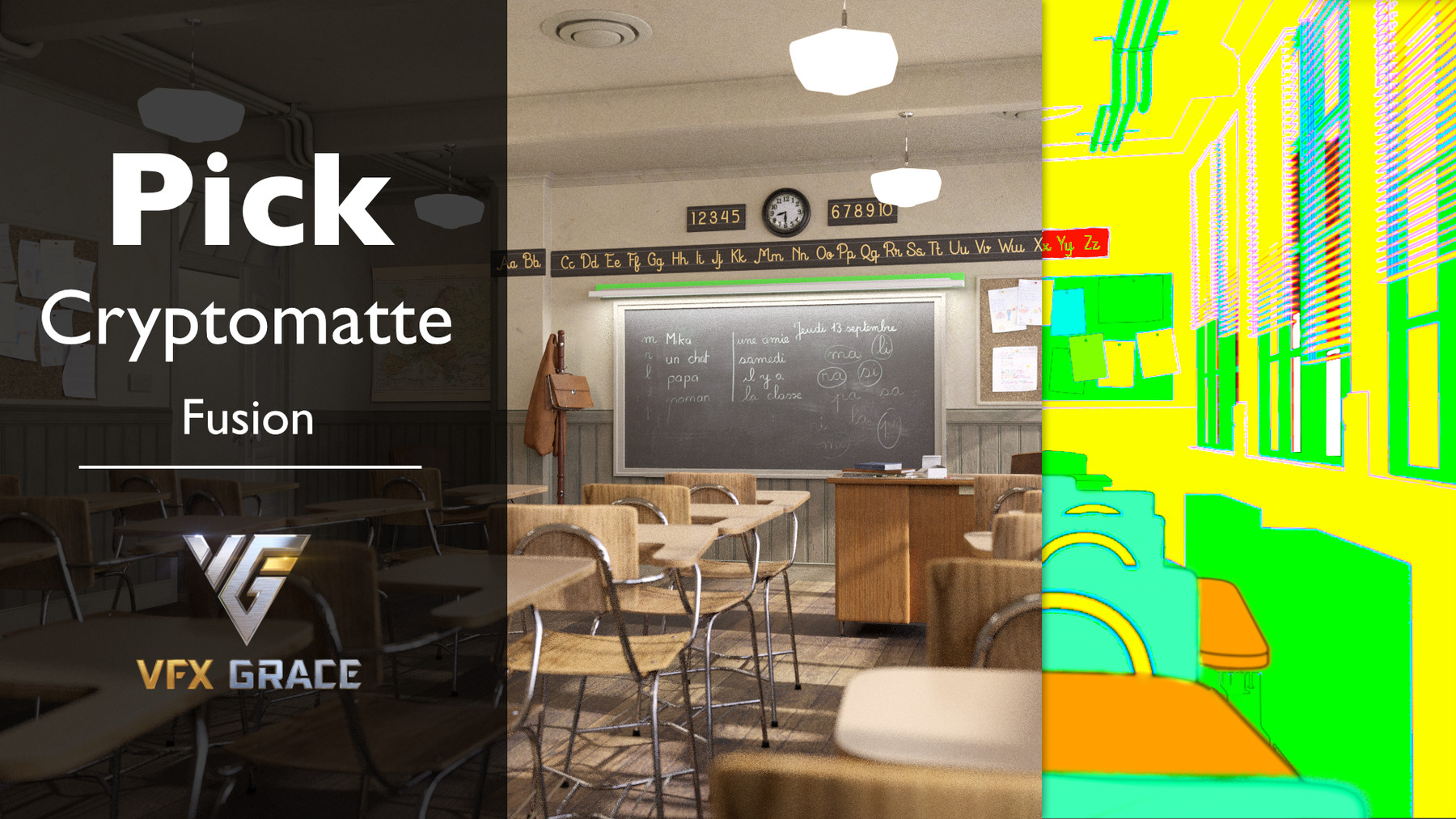
Pick_Cryptomatte is a tool for extracting Cryptomatte and automatically creating ID mattes. It reads data directly through the previously loaded EXR channels which makes the plugin faster and more steady.
Installation Environment:
- System: Windows Mac and Linux
- Version: Fusion 9.0.2, Fusion 16, Fusion 18 and Davinci 17, 18.
Features:
- Read EXR rendered by Blender, Octane for Cinema 4D, Clarisse, and Houdini. Please test by yourself, since other software isn’t tested.
- Pick_cryptomatte creates ID mattes based on the info of objects, materials, and assets in default. Besides, users can customize channels with other types of info.
- Support framing mattes to make it more convenient and efficient.
- Support motion blur, transparency and depth of field.
- Support three display modes—Screen, Keying, and Matte—to meet different needs.
- Set shortcuts for mattes selection with the attached scripts, which greatly improves the efficiency of picking crypto.
Notes:
- Pick_Cryptomatte only works in the Loader node in float 32 bit, and the plugin is set in default.
- The plugin is set shortcuts in default. If the shortcuts conflict, please modify them yourself.
Modification Method:
Click View in the menu bar, then Customize Hotkeys. Select Composition in the list on the left, click New in the pop-up window and find Scripts. Then find the corresponding script and set the corresponding shortcuts.
The attached scripts and corresponding shortcuts in this plugin are listed below:
- AddChannel.py3 Q
- AddMatte.py3 I
- ApplyMatte.py3 M
- ClearChannel.py3 E
- RemoveChannel.py3 W
- ShowMatte.py3 S
3. Fusion reads EXR image on the hard disk in each frame. If multiple Loader nodes are used, the EXR images will be read multiple times. It is recommended to connect multiple PickCryptomatte nodes from a Loader node that has already loaded the Cryptomatte data channels, as the speed will be faster.
4. Please switch off multi-threading calculation in preference, otherwise the flicker will appear.
Installation Method:
- Just double-click and run Install.bat file.
- Keywords: cryptomatte; Blackmagic design Fusion; Octane;
Release Notes
1. update support Fusion18, Davinci17, 18, support Mac system
2. change the auxiliary function call script to Lua, remove the dependency on Python3
⏰Good News:
During Black Friday, the VFX Grace store has a 50% sale, so if you have a favorite product, don't miss it.
https://www.artstation.com/vfxgrace/store